Slide 1 of 3
SpeedView for Google Android
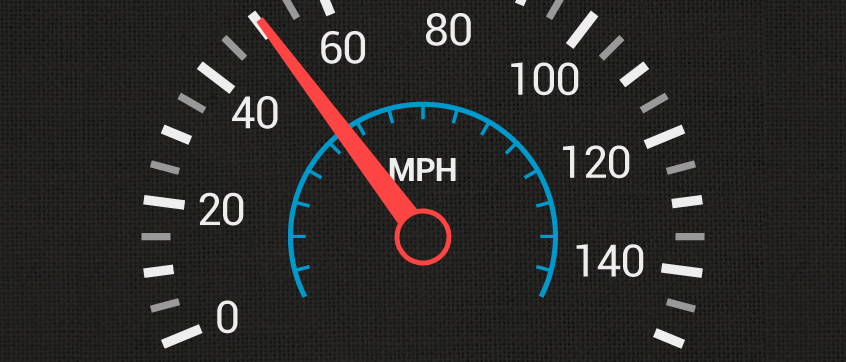
SpeedView is an advanced speedometer application that uses the phone's built-in GPS system to show your current, maximum and average speed, as well as direction, total distance and time traveled. Suitable for running, car driving, biking or hiking.
- High accuracy
GPS-based speedometer that is more accurate than the one in your car.
- Linear compass
Shows your direction of travel. Compass mode is also available.
- HUD mode
Mirrors the numbers so you can place the phone under your car's windshield and see the speed reflected on it in the dark.
- Speed graph
Displays a graph chart covering the last several minutes.
- Display units
Supports units such as miles, kilometers and nautical miles.
- Speed warning
You can set speed limits for three different types of roads, so when you go over a visual alert or sound will notify you.
- GPX track export
Enables you to save your current track to SD card or email it to someone.
- Background mode
You can minimize the program and keep it running in background. It will work as usual and even notify you when you exceed the speed limit!
Please note that the accuracy depends on your GPS reception quality. If you have any questions or comments, feel free to post them on our blog.
The free, ad-supported version of SpeedView is available now for download on Android Market. You can find it in the Travel category or you can click the barcode image above from your device to install. A paid version with some additional features is currently in the works.